Interests / Building computers
Every part should earn its place.
Building a PC is a small engineering project: a power budget, a thermal budget, and a lot of cable to hide. I enjoy getting all three right.
01 / What I aim for
Cool, quiet and tidy.
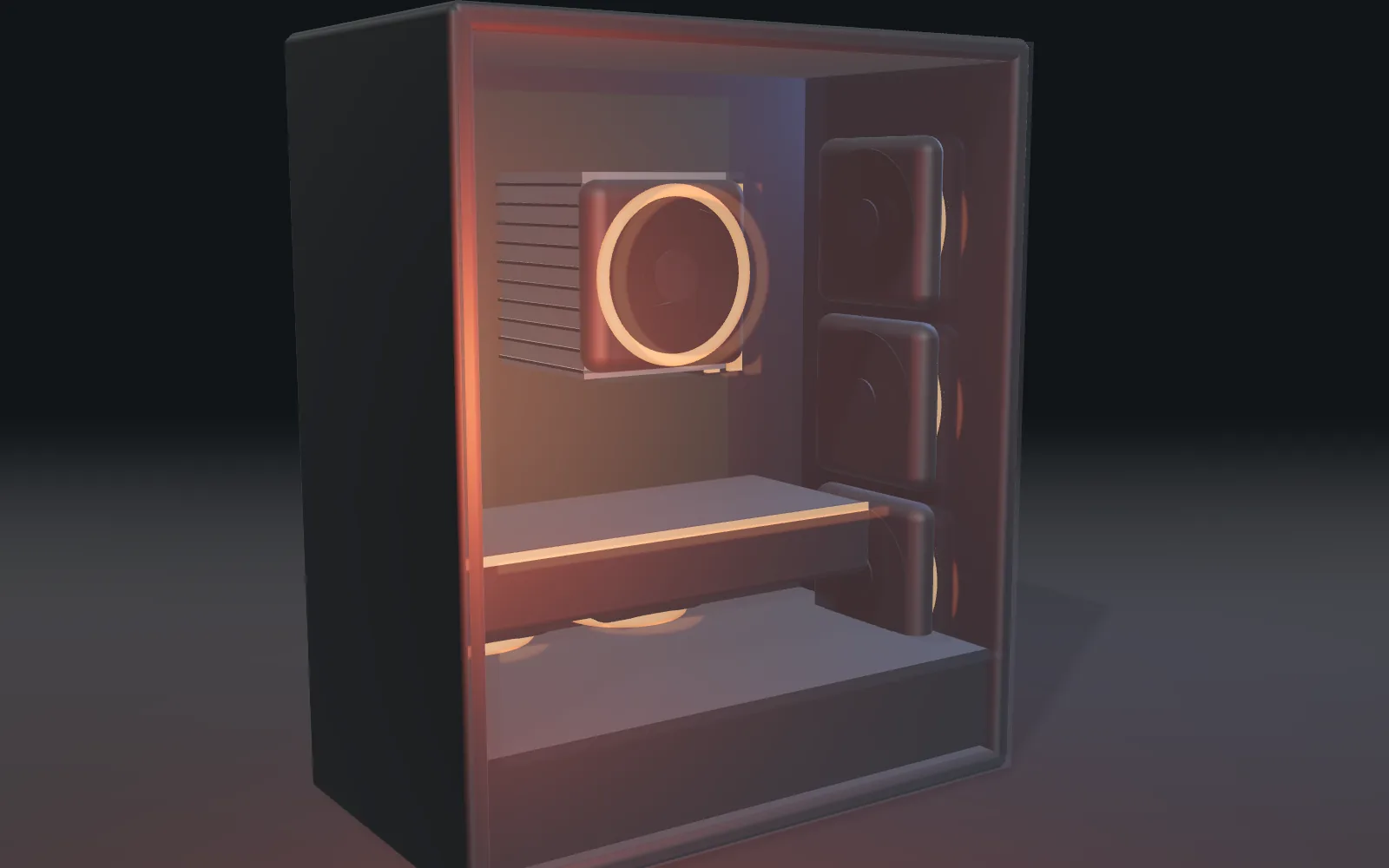
Air in at the front and bottom, out at the back and top, with a little more coming in than going out so dust stays at the filters. Fan curves that stay quiet at the desktop and only ramp up when something needs it.
And cables routed behind the tray, so the only thing visible through the glass is the hardware.
POWER
Size the PSU honestly
Add up the real load, leave headroom, and buy a good unit.
THERMALS
Plan the airflow
Decide where air goes in and out before you buy the case.
02 / Checklist
My build order.
The same steps every time, because the one you skip is the one that costs you an evening.
- BenchBoot it outside the caseCPU, cooler, one stick of RAM, and the graphics card on the box. Check it posts first.
- BIOSUpdate and check memoryFlash the latest BIOS, set the memory profile, and confirm the right speed.
- CaseStandoffs, then the boardCount the standoffs against the board's holes before it goes in.
- CablesRoute before you tieRun everything loose, check it all reaches, then tie it down.
- TestStress, temps, fan curvesLoad it for an hour, watch the temperatures, then tune the fans for quiet.